Konica Minolta Print Support Application (PSA)
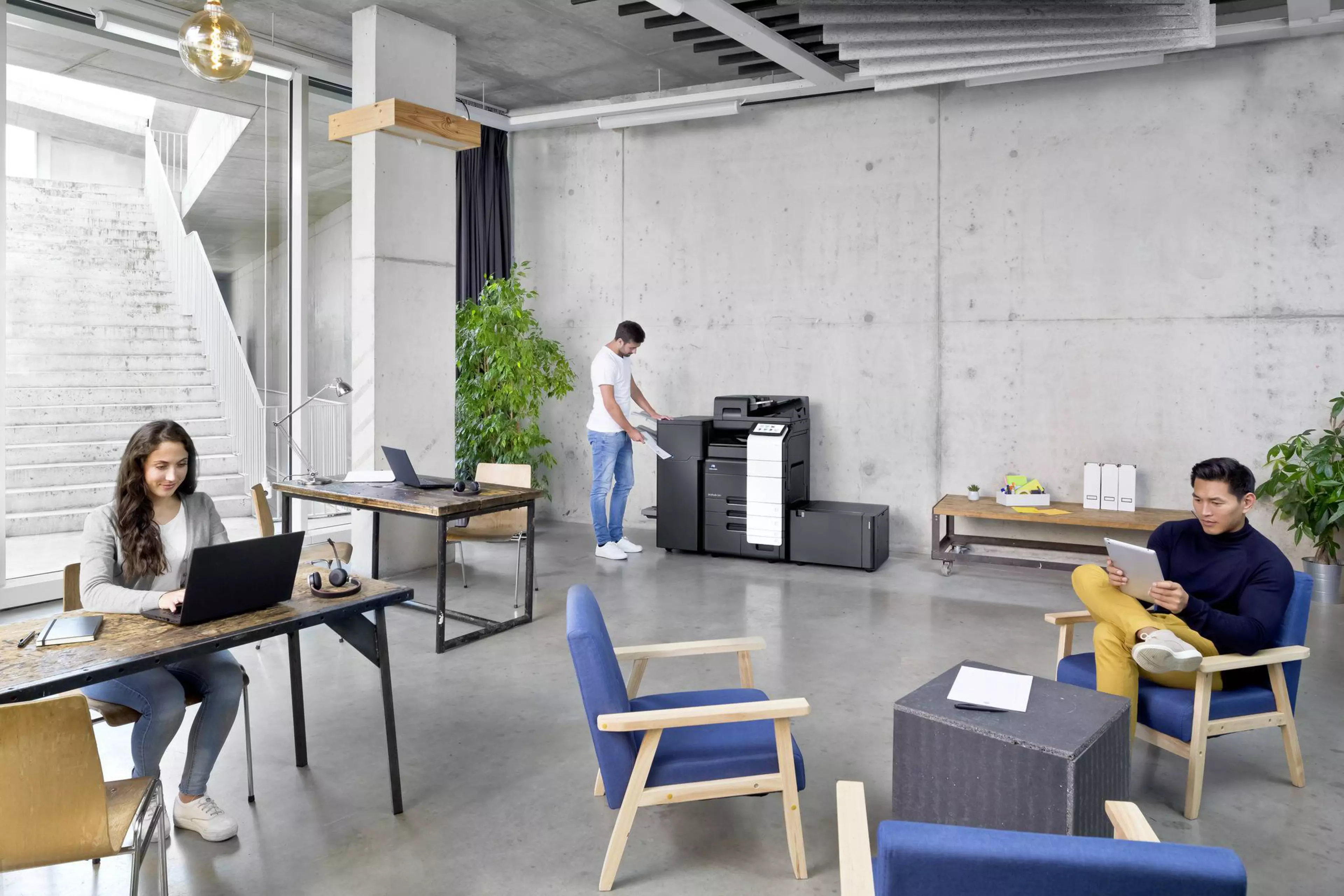
Secure, Driverless Printing for Windows 11
Konica Minolta has launched the bizhub Print Support App, a free Microsoft Store application designed to support Microsoft’s latest Windows print security feature, Windows Protected Print Mode (WPP). The app delivers a new, WPP-compliant printing experience for Windows 11 environments—combining enhanced security, business continuity, and essential print functionality.
Printing Security Is Evolving
Microsoft has introduced Windows Protected Print Mode (WPP) in Windows 11 as part of its modern print platform strategy.
WPP removes traditional printer drivers from the Windows printing process, helping to:
- Reduce security vulnerabilities
- Prevent data leaks and cyberattacks
- Improve overall system stability
As WPP-enabled PC environments are expected to become increasingly common in future workplaces, compliance with these new security requirements is becoming a critical priority for enterprises.
What is the bizhub Print Support App?
The bizhub Print Support App is a Print Support Application (PSA) that enables secure printing on Konica Minolta bizhub devices even when Windows Protected Print Mode is enabled.
It ensures that organizations can adopt Microsoft’s enhanced print security model without sacrificing day-to-day print operations.
Key Features

Complies with Windows’ new print security feature “WPP”, to provide a secure printing environment.

Enables printing on bizhub devices even from PCs with WPP enabled, ensuring both enhanced security and business continuity.
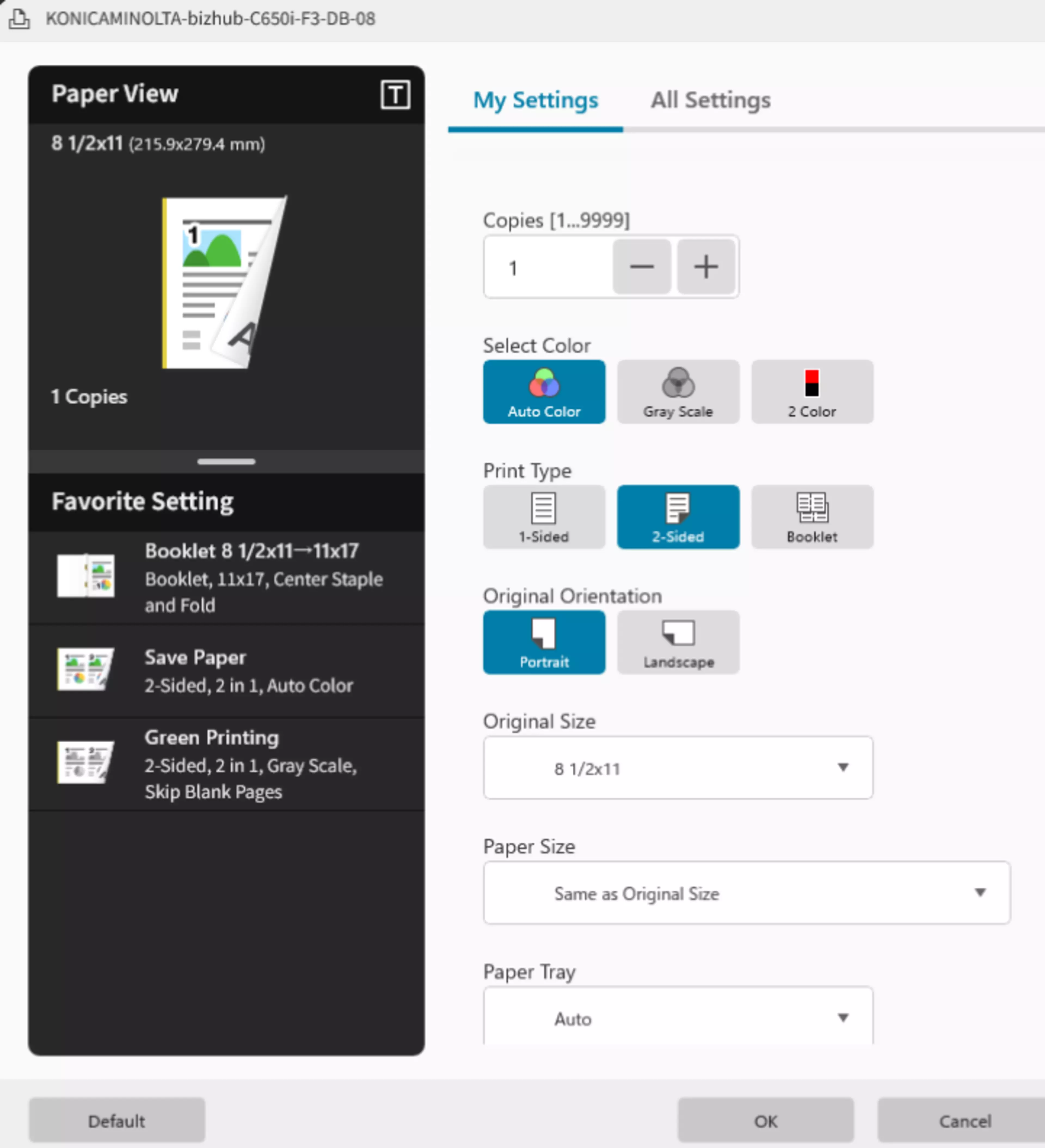
Installs automatically from the Microsoft Store when adding a printer – ready to use immediately with no complex setup required.

Offers a modern UI for intuitive configuration, making printing simple for everyone.

To meet advanced government security requirements, a PKI-based authentication version will be released soon (USA/AUS only).
Current Scope and Roadmap
The initial release of the “bizhub Print Support App” offers a basic set of features sufficient to configure the main print settings. We will keep expanding printing capabilities and supported devices.
Who Is This App For?
- Organizations adopting Windows 11 with WPP enabled
- Enterprises with high security and compliance requirements
- IT departments seeking low-maintenance print environments without dedicated drivers
- Customers who need secure printing without workflow disruption