
Minimising involuntary downtime, reducing service times and costs, and, of course, staying up to date: these are three major business benefits that good service providers offer SMEs today.
Remote support is fast and cost-effective
Whether it is routine maintenance or rapid response in case of an error message: nowadays, all software, technical and computer problems can be diagnosed and fixed in next to no time via remote support. What makes this particularly convenient is that time-consuming journeys to and from the premises are eliminated – that saves you and your employees stress, time and money.
Due to the pandemic, more and more employees are also working from home. They use mobile devices or access the company network via remote desktop or VPN. That means: not only in the office, but also outside the company, employees need secure and cost-effective support at all times in case of technical problems of any kind, be it a problem on a mobile device or desktop.
From visual support to proactive remote maintenance: there is a wide range of tools and support services
There are now many different remote support tools and services on the market. Fundamentally, a differentiation can be made between individual types of service and support capabilities.
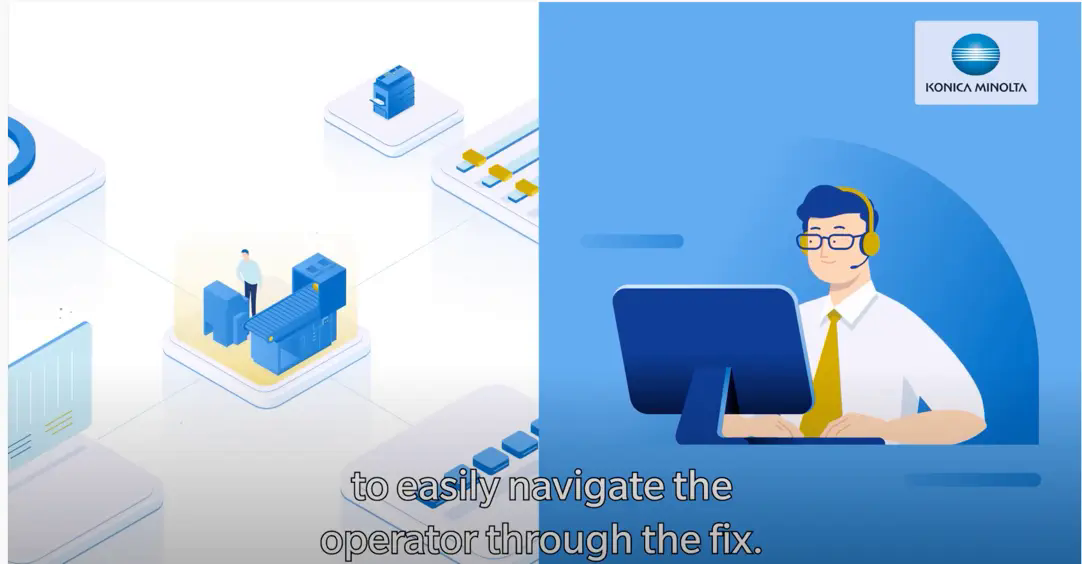
For example, there is instant visual support, with which the service providers can see in real time what problem customers are currently faced with – be it on their desktop computer or in the form of a (physical) machine. Using screen sharing and remote access the problem analysis can be carried out quickly and from any location. All steps and repairs are optimally supported remotely and errors are resolved efficiently.
Proactive maintenance, on the other hand, is a service through which the majority of the repair and maintenance measures for machines or systems are planned and carried out preventively in order to minimise unplanned downtime. Remote monitoring and control particularly help with the optimisation and management of IT systems.
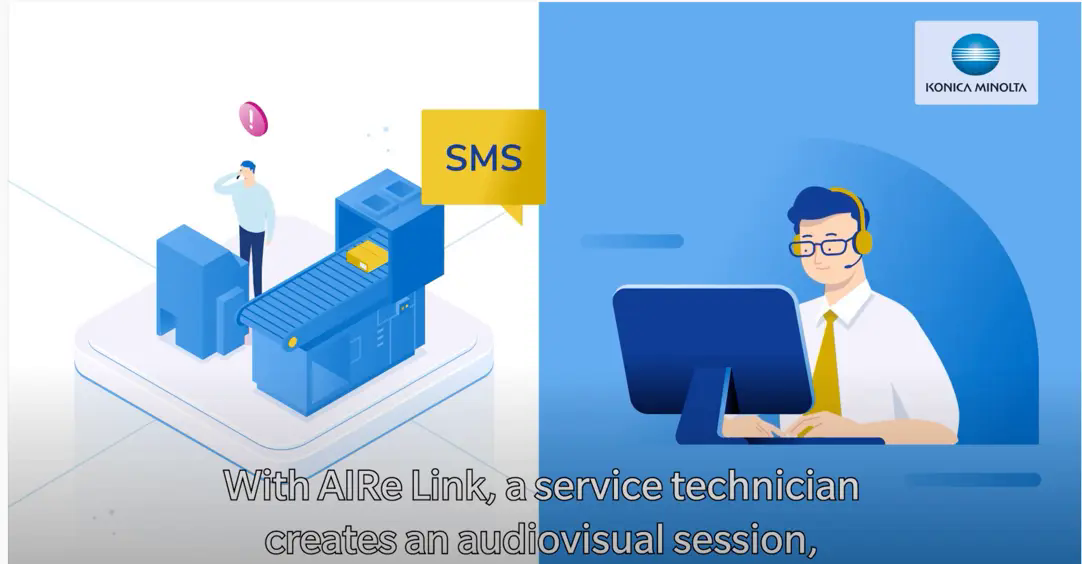
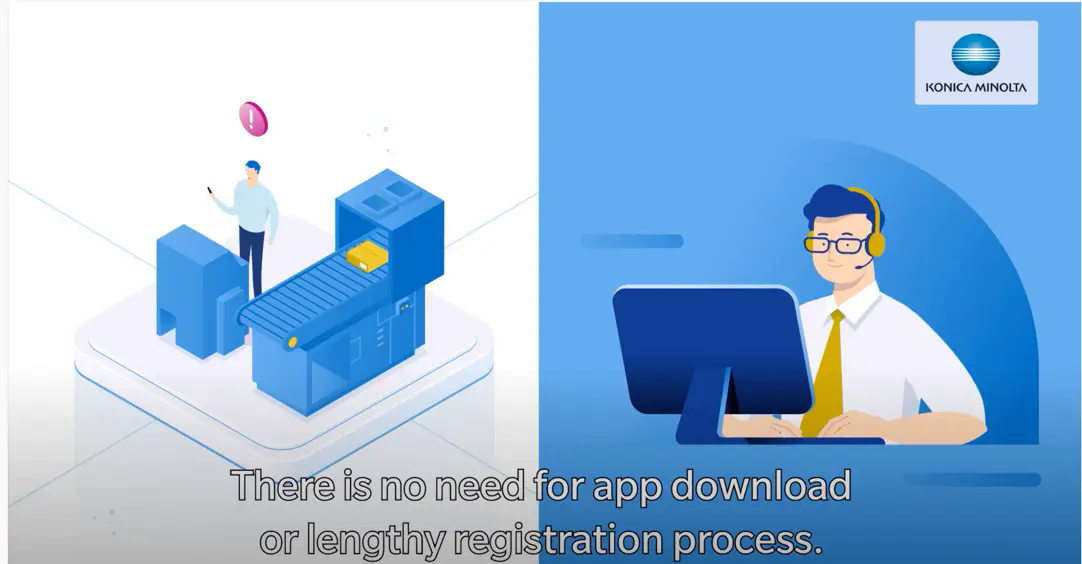
Something else worth knowing is that some services and tools can be accessed free of charge as a trial or entry-level version. One example is AIRe Link from Konica Minolta. AIRe Link is a browser-based visual support tool that provides help for self-help. Using any customer device, such as a smartphone, it offers instant assistance without the need to install any software. You can find out exactly how this works in the pictures below.
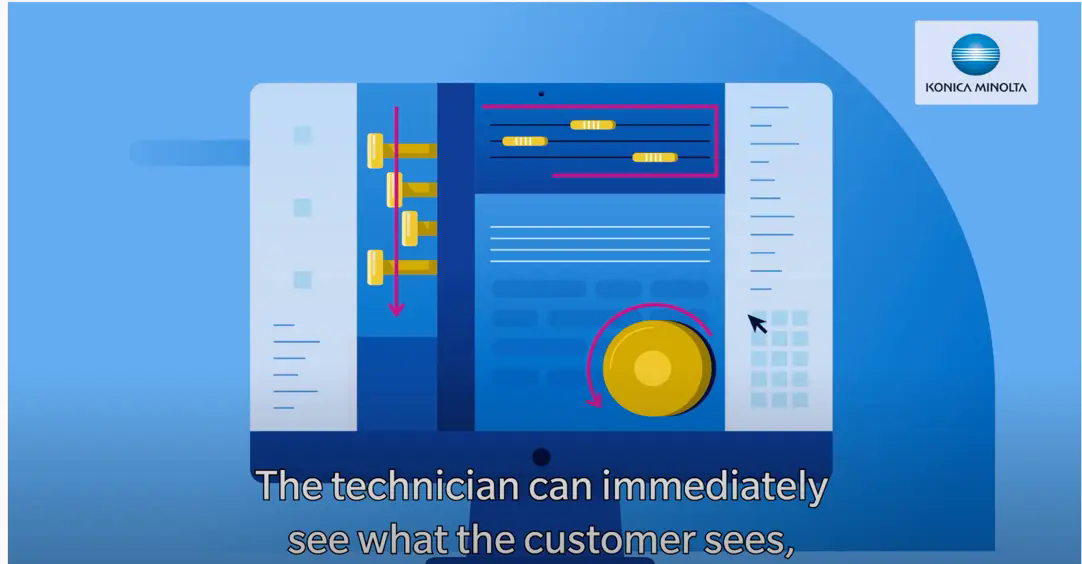
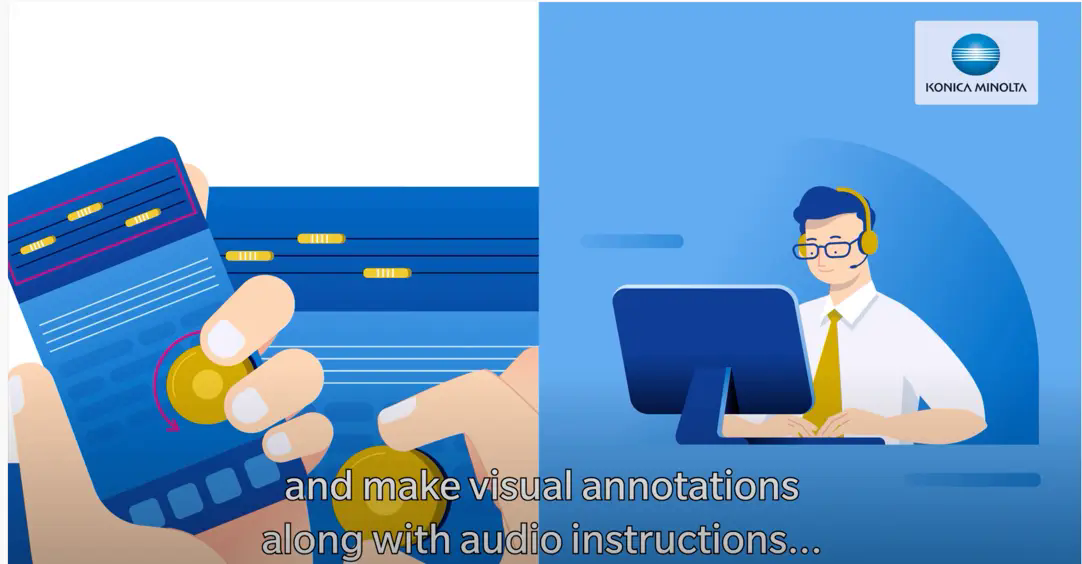
AIRe Link works simply – via SMS on a smartphone or on a tablet. The technician remotely looks ‘over your shoulder’ and coaches you through the repair steps. Screen sharing: They can view your devices and user interface in real time. Depending on the situation, you receive helpful tips via telephone and/or screen sharing. In this way, you are guided quickly and professionally through all the necessary steps – to a successful result.
Remote support checklist: how to find the best service partner
Before you make a decision for or against a service provider, ask yourself the following questions. If you can answer yes to all of them, you should be making a good choice.
- Does the partner provide different support services available to help you with any challenge or problem? This could be, for example, with regard to remote monitoring and management, or in terms of proactive maintenance, support at the company or when working from home with a remote desktop or mobile devices, and support that is cloud-based or not cloud-based.
- Does the partner offer instant visual support, i.e. quick help for you to help yourself?
- Are all current security standards met or certified? For example a secure connection for file transfer, standards related to GDPR compliance and data privacy as well as ISO 27001 certification for data security management.
- Has the partner received any third-party recognition for the quality of the service they offer in the field of remote service?
- Is there a clear service level agreement (SLA) available? An SLA is a framework agreement between the client and service provider, which precisely defines and governs the agreed services as per chosen service levels.
- Has the partner established a customer-oriented remote support policy such as Remote First or Remote by Default? This means that prompt support is provided remotely as the first support option, or even as standard. Read more here
Remote service by default: thanks to decades of experience
Konica Minolta already has a decade of experience in remote management of more than 730,000 multifunctional printers (MFP). Building on this, the company has established itself in the field of IT services. This includes remote monitoring and management of the entirety, or parts, of the IT environment.
In the field of MFP remote maintenance, the service provider is currently improving its range of services with the ‘Konica Minolta Gateway’ – this securely connects various technologies with the back end in its own European data centre. With the help of innovative tools such as AIRe Link, training methods and remote access, the IT specialist helps its customers resolve problems faster and more efficiently.