Personalize
Your Unique MFP Experience that fits the way you work
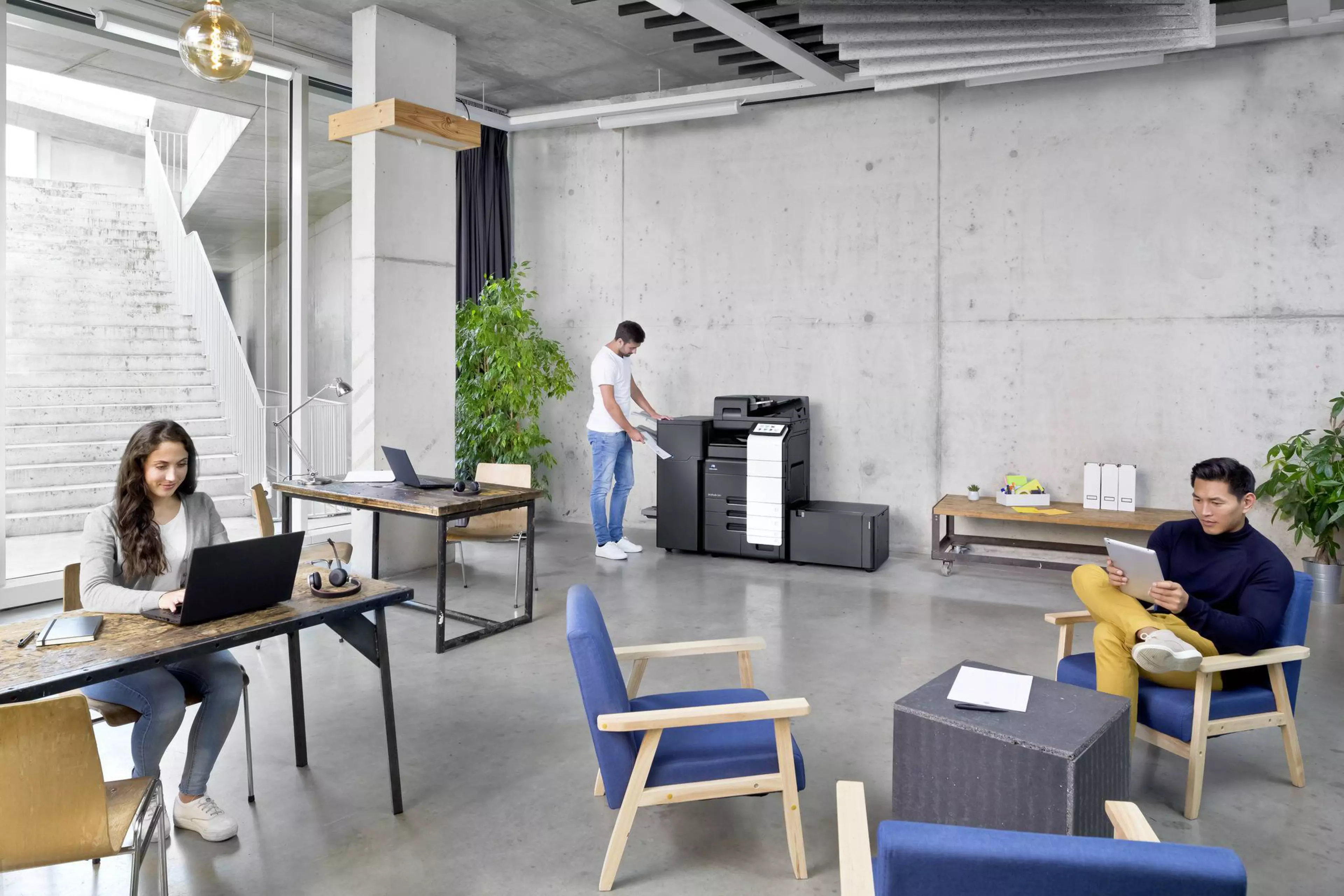
Multifunctional devices are typically operated by many users and should therefore fulfil all possible user demands. Unfortunately, this usually means that all functions and features are available to all users, whether they need them or not. Such an overwhelming set of features and functionalities can easily be confusing rather than helpful. Finding what you really want and need, can be complicated and time-consuming
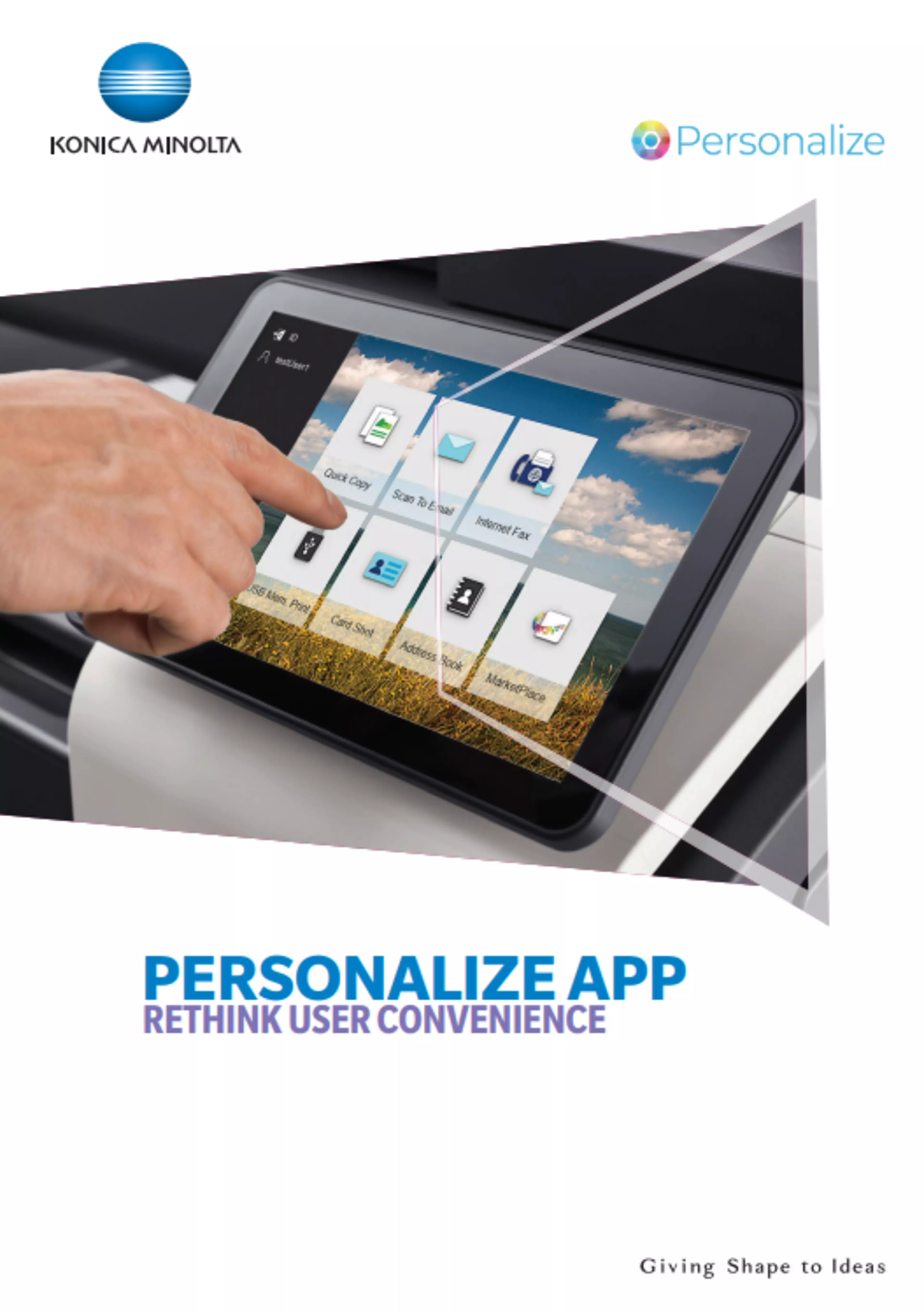
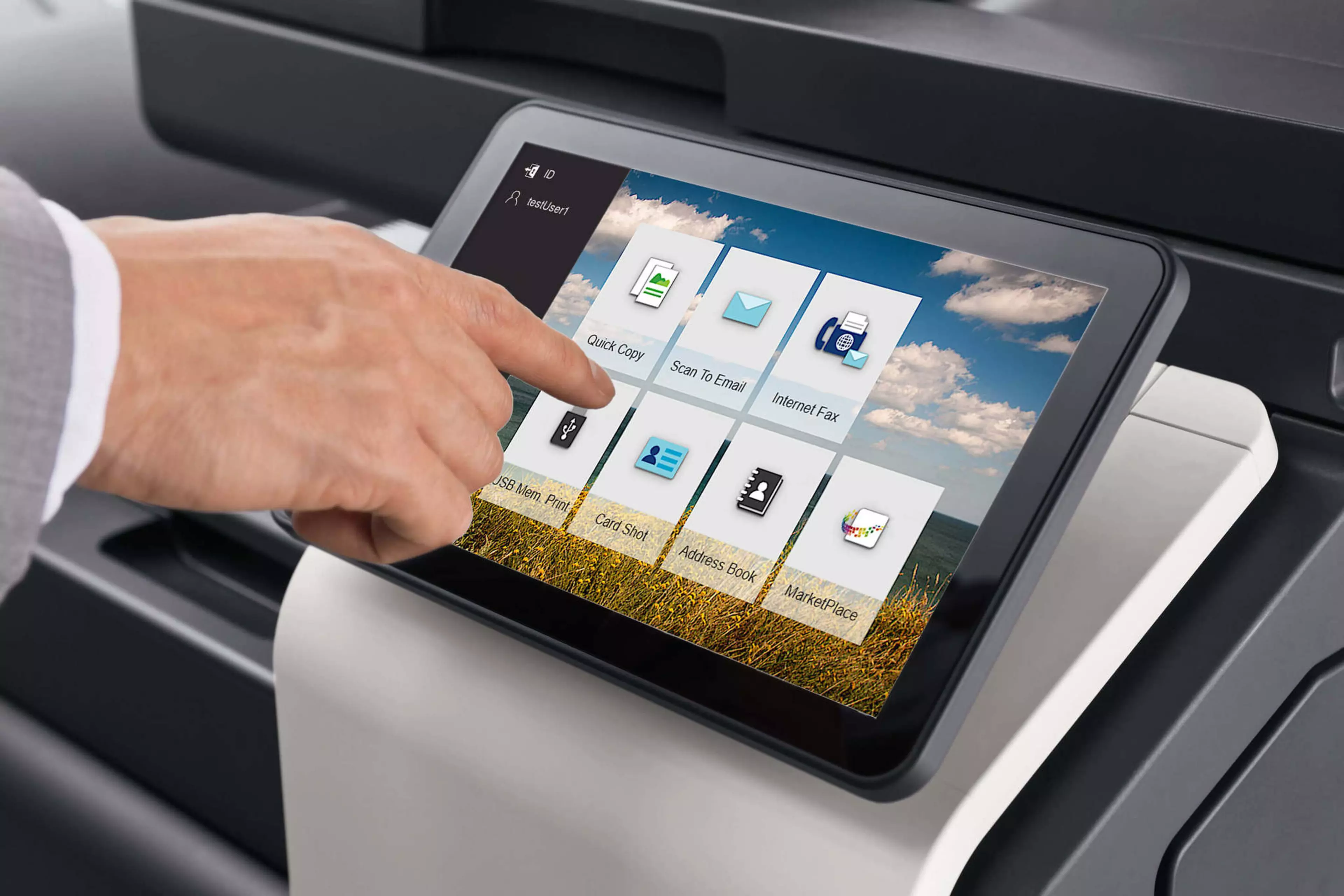
Konica Minolta’s Personalize App specifically addresses this challenge: Everyone in your team can opt for their personal choice of features and functions and adapt the MFP screen to their individual work routines and requirements. Your employees will soon spend considerably less time at the output device, and this will quickly result in attractive operational savings for you.
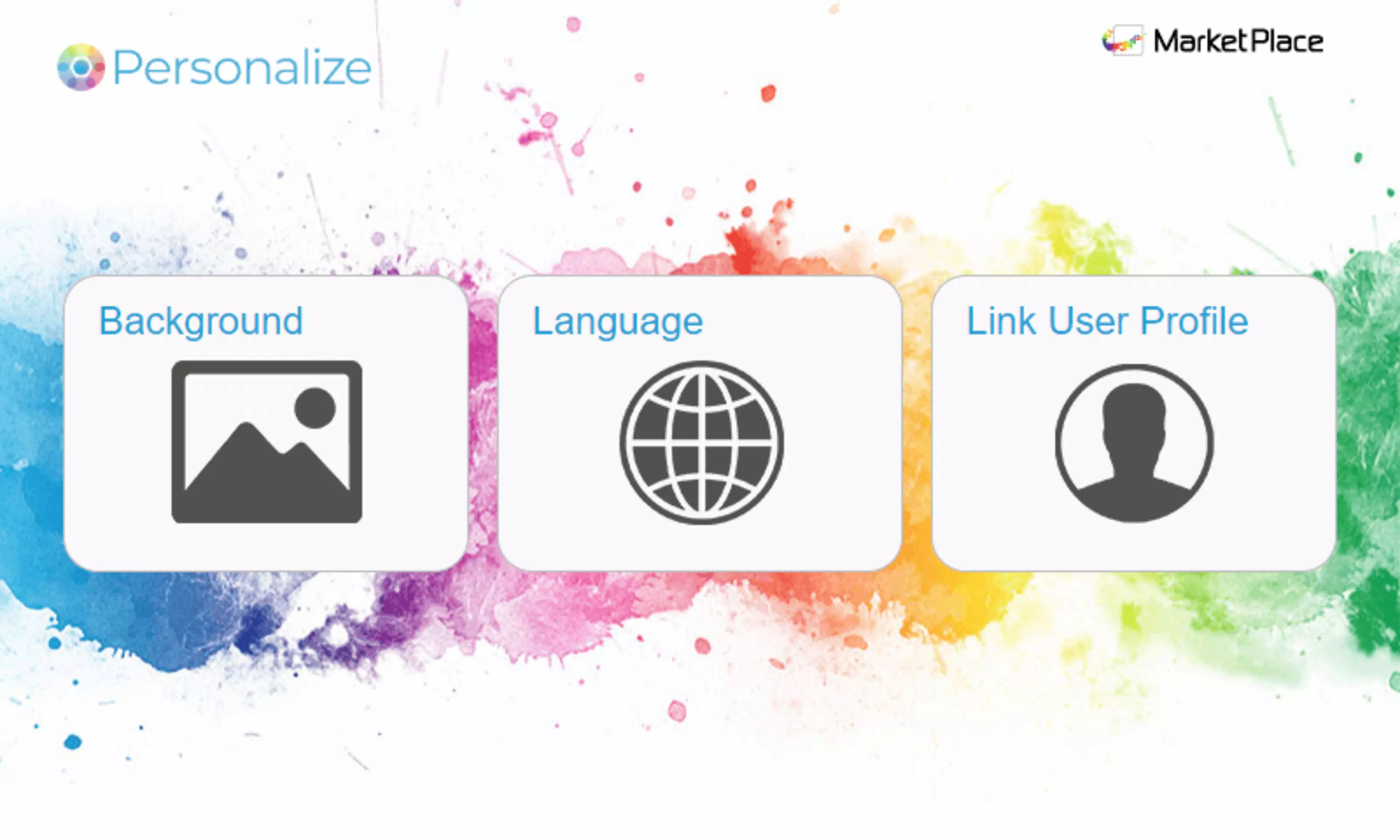
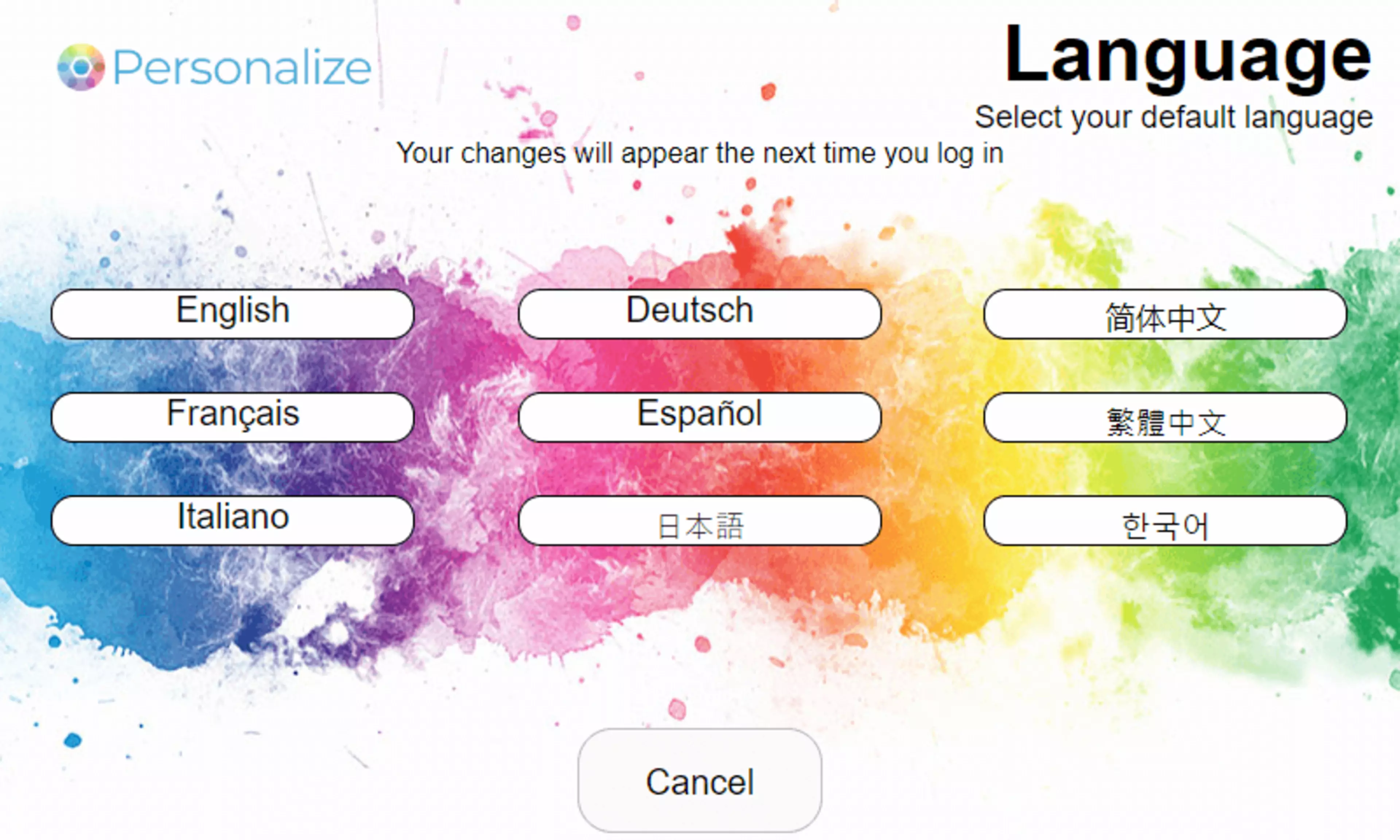
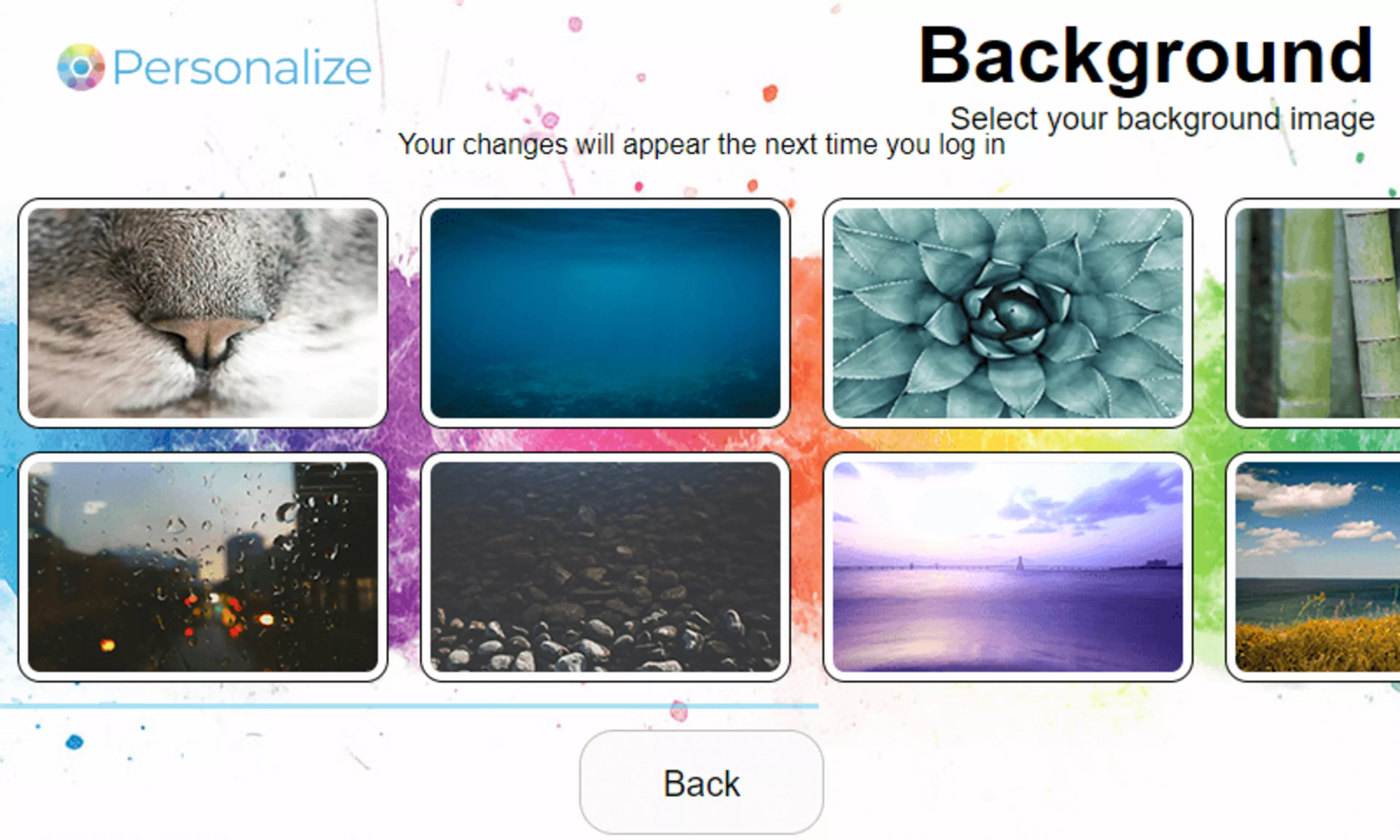
Personalize is available free of charge as a Konica Minolta MarketPlace App. Download it once, and you can change and rearrange the functionalities available from the home screen to your preferences as well as configure the preferred language and background image.